Flashcards Example
Intro
This is an example of using the flashcards plugin in a reveal.js presentation.
Press the q key (by default) to flip a flashcard slide. You can you can override the default keybinding by setting the flipKey option in the YAML header.
You’ll also see a flip button in the top right corner of the slide. You can hide this button by setting showFlipButton: false in the YAML header.
By default, flashcards do not reset to the front when you navigate to a new slide. You can enable this by setting resetOnSlideChange: true in the YAML header.
Nicely done! Let’s go over some example flashcards to see how this looks.
Question 1
What is the capital of France?

Paris
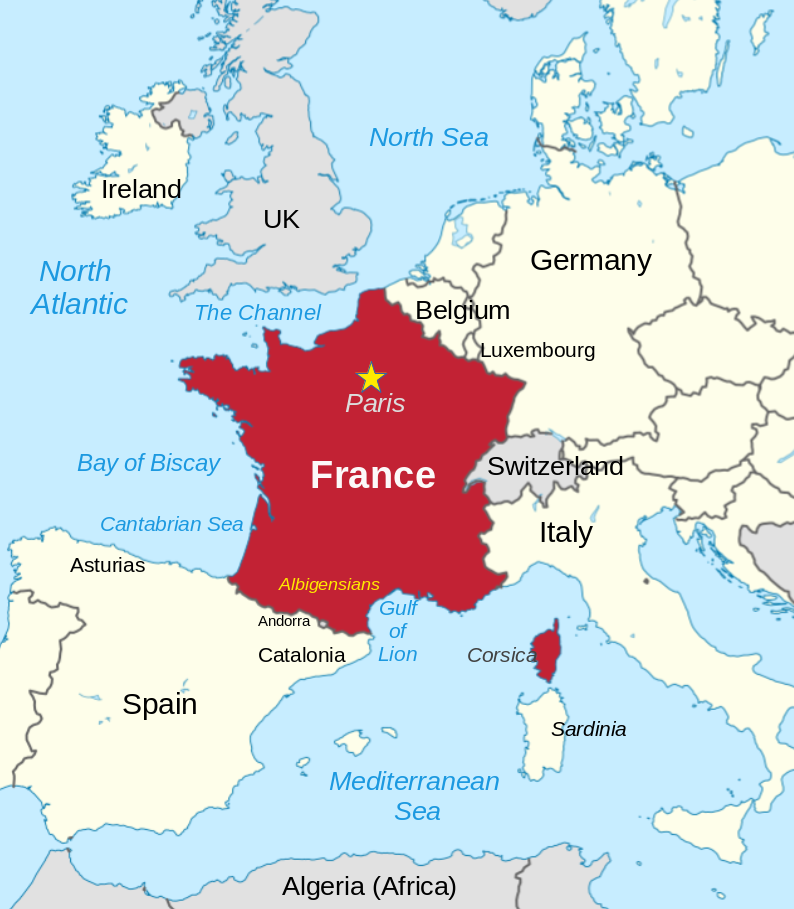
Dont forget you flip the card by pressing the q key.
Question 2
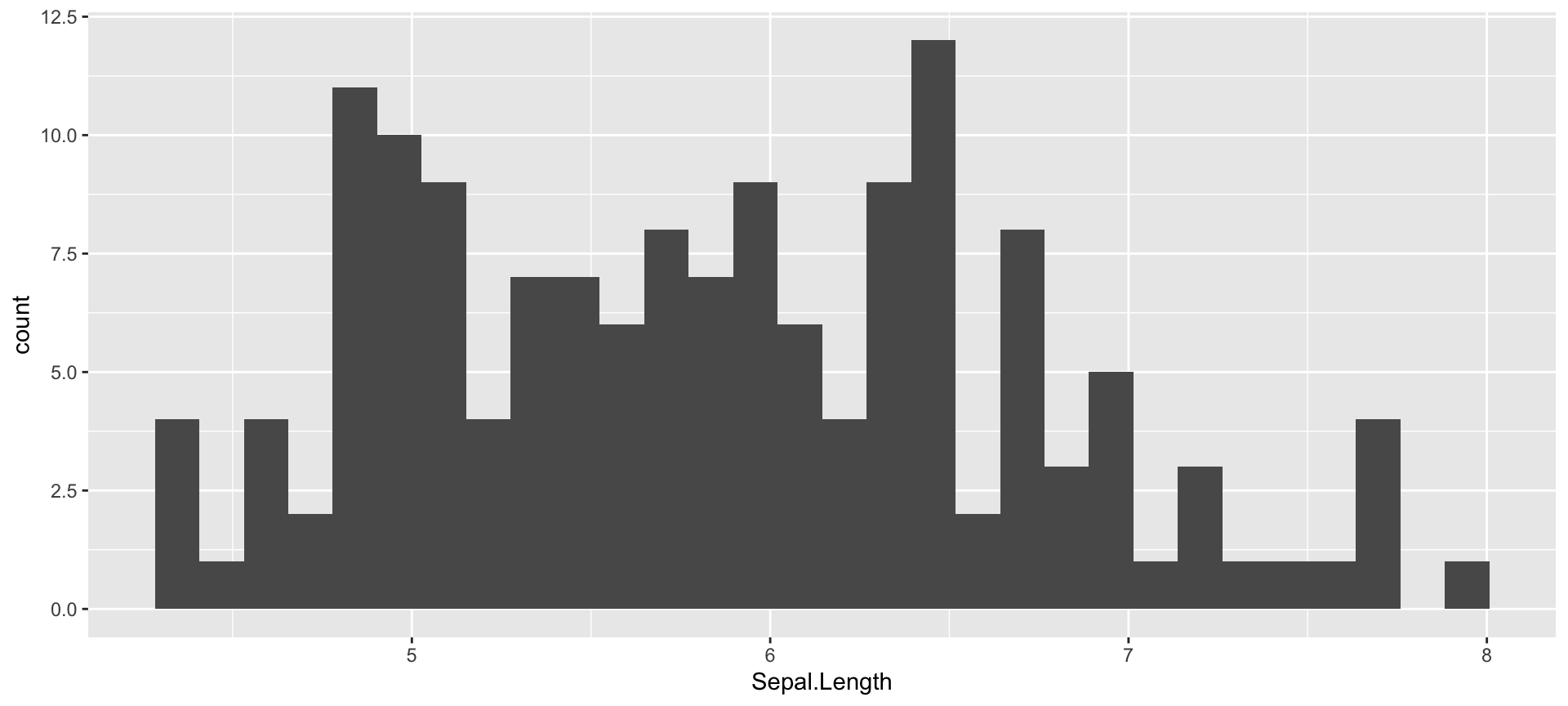
Plot a histogram of the Sepal.Length column in the iris dataset using ggplot2.
Question 3
What is the equation to calculate Mean Squared Error (MSE)?
\(\frac{1}{n} \sum_{i=1}^{n} (y_i - \hat{y}_i)^2\)
where \(y_i\) is the observed value and \(\hat{y}_i\) is the predicted value.
Conclusion
The flashcards plugin is a great way to create flashcards for your RevealJS presentations in Quarto.
You can shuffle the order of the slides by pressing the t key.
Thanks for reading!
Why are you still here? Go make some flashcards!